● Chrome Extension
Record Bugs. Collaborate. Instantly.
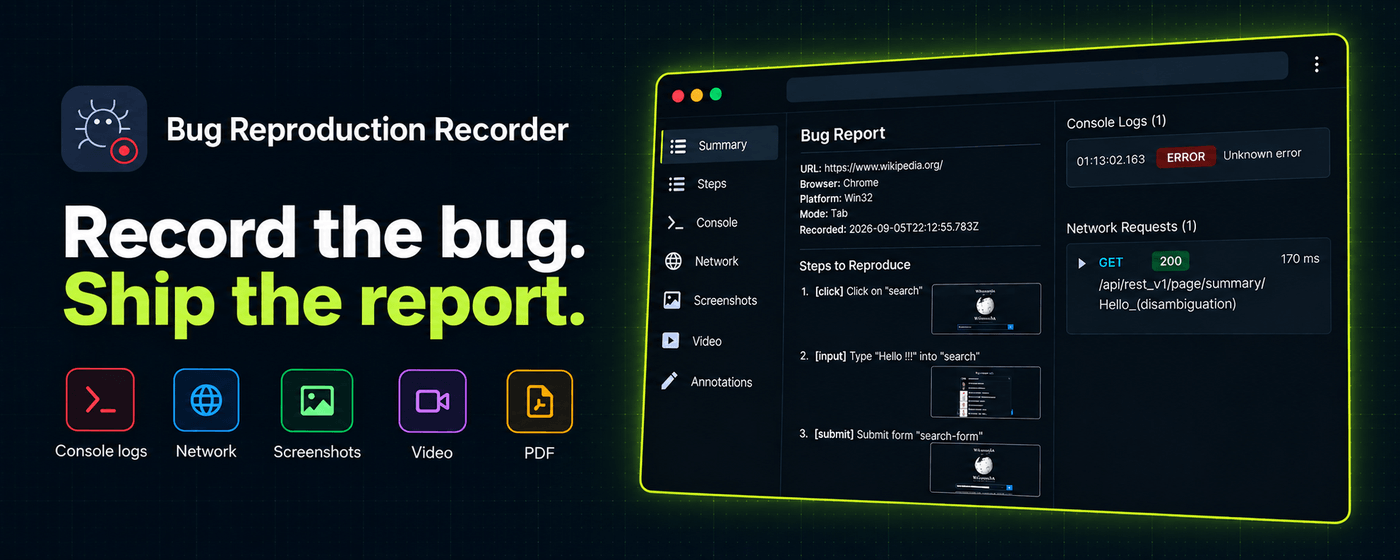
A Chrome extension for QA engineers and developers. Record bugs. Capture console & network logs. Annotate screenshots. Collaborate with your team. Instantly.


A Chrome extension for QA engineers and developers. Record bugs. Capture console & network logs. Annotate screenshots. Collaborate with your team. Instantly.
Features
Stop writing bug reports by hand. BugRecorder captures the full context — visual, behavioral, and technical — so you don't have to.
Capture a single tab, your full screen, or run steps-only mode for click-by-click reports without video. One click, no setup.
Record video with mic narration, system audio, and a draggable camera bubble overlay — so reviewers see and hear the bug exactly as you did.
Every recording produces a structured report: numbered steps, screenshots, timestamps, browser info, and viewport — ready to share in seconds.
Captures console.log/warn/error/info plus every fetch & XHR request — full headers and response bodies included.
Draw arrows, rectangles, text, and freehand markup directly on screenshots — fully re-editable inside the shared report viewer.
Logs and requests are grouped under the step that triggered them — no more guessing which click caused the 500.
All team reports in one dashboard. Filter by status, priority, or assignee. Bulk-update statuses and ownership.
Assign bugs to teammates. Status workflow with priority levels Low / Medium / High / Critical.
Discuss bugs directly on the report. Threads sync instantly across every teammate viewing the dashboard.
Invite by email, shareable link, or auto-join by company domain. Roles: Owner / Admin / Member.
Full report detail view with resizable sidebar, independent scrolling, and console logs, network requests, and annotations inline.
One-click links your team can open in any browser.
Download a portable report bundle for any tracker.
Browse and re-export every past recording from the extension.
Recordings stay local until you choose to share. No account required.
See It In Action
Real screens from the extension and dashboard — no mockups.


Centralize every bug your team records — assign, prioritize, comment, and resolve in one place. Sign in with the extension, invite your team, and you're live in under two minutes.
Open the DashboardHow it works
No configuration. No friction. Just click, act, annotate, share, and collaborate.
Open the extension and hit Record. Choose a tab, the full window, or steps-only mode.
BugRecorder captures every click, console error, and network request — grouped by step.
Mark up screenshots with arrows, text, and highlights to point reviewers at the issue.
Get a shareable link, PDF, or HTML report — or send straight to your team dashboard.
Assign to teammates, set priority, track status, and discuss right inside the report.
Pricing
Every recording feature is free, forever. The team dashboard is free for up to 3 members — Pro unlocks unlimited teammates.
Free
$0
forever
Perfect for individuals
Pro
$10/mo
billed monthly
For growing teams
Enterprise
Centralized billing, SSO, admin controls, audit logs, and a dedicated success manager — built for larger QA orgs and agencies.
Join the waitlist →